Store34" curved ultrawideBuy now
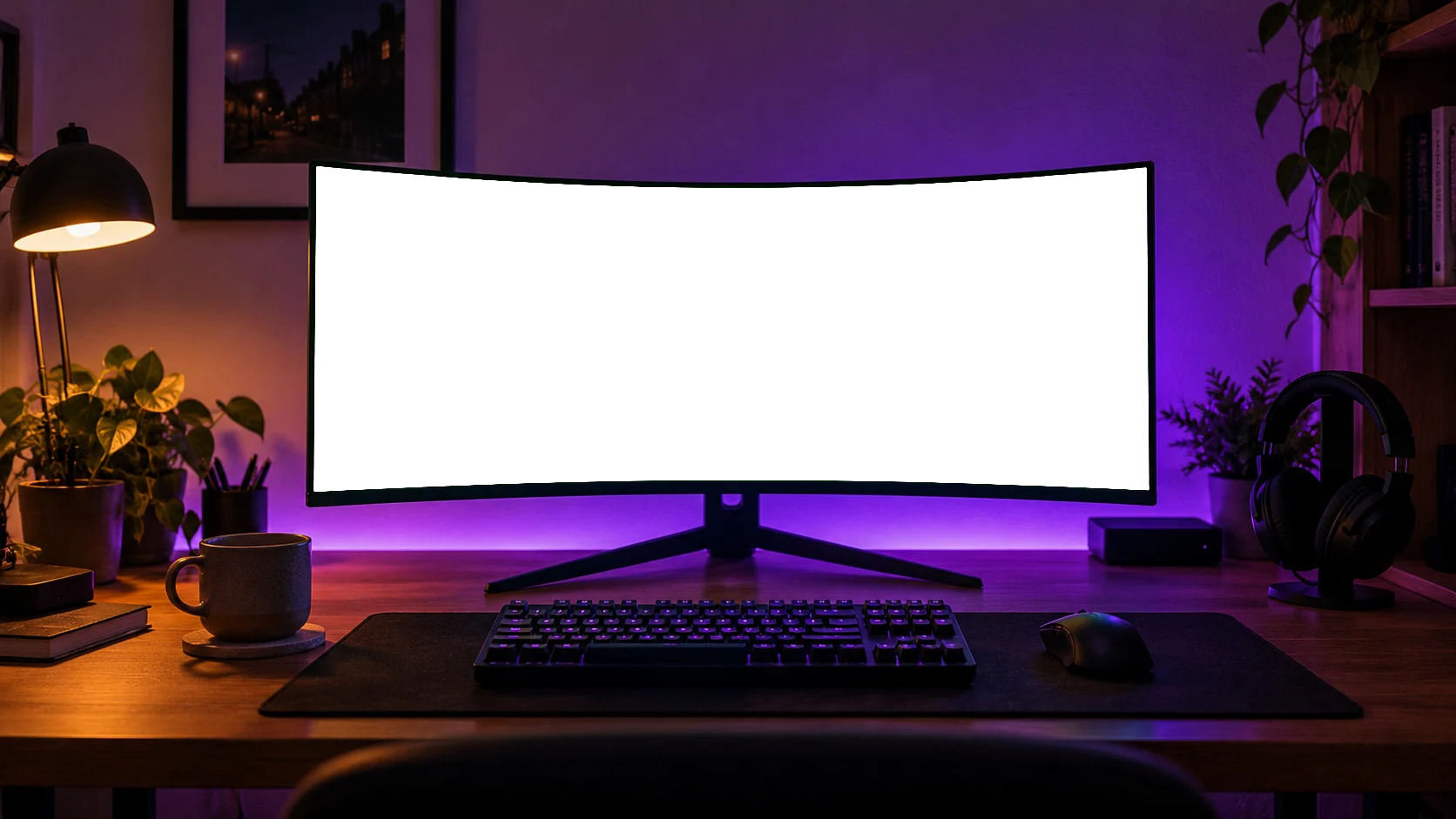
A curved ultrawide monitor on a gaming desk at night

34-inch ultrawide · 21:9 · 1500R · 165 Hz

See what you’ve been missing.

A curved 3440 × 1440 screen that fills the edges of your vision. Scroll to go in.

3440 × 1440

Lean in.

Now you’re in

Eyes forward.

Original scenes made for this page. Not footage from a real game.

Same height. More picture.

The rivals were there all along.

+0% more picture across, at the same 1440 pixels tall

A night street race; the ultrawide frame shows a rival car at each edge16:9 · 2560 × 1440

1500R

Bend it yourself.

1500R means the panel is shaped like part of a circle with a 1.5-metre radius. Drag the screen to look round it, and use the slider to flatten it.

Arc across the screen
30°
Edges come forward
5.2 cm
Width
About 79 cm
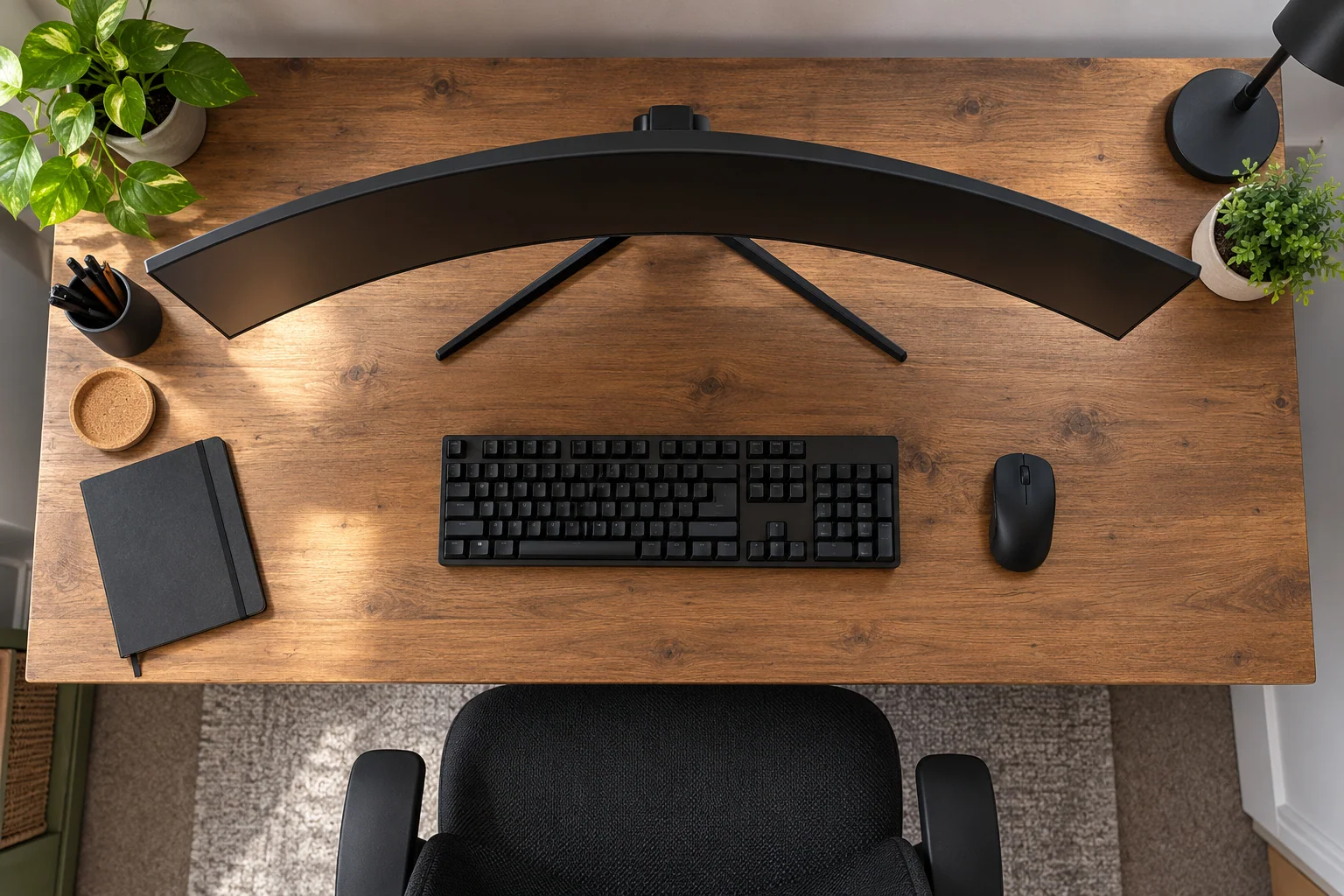
The monitor from above, its curved top edge an arc over the desk
From above, on a real desk: the curve wraps the edges towards you.

165 Hz · 1 ms

One second, slowed right down.

Your scroll is now one second of gameplay. A 60 Hz screen draws 60 pictures in it; this one draws 165, so things move in smaller, smoother steps.

60 Hz · 16.7 ms a frame · frame 1/60
165 Hz · 6.1 ms a frame · frame 1/165

165 Hz needs DisplayPort 1.4 and a computer that can keep up. Over HDMI 2.0 it tops out at 100 Hz.

AMD FreeSync

No more torn frames.

When the graphics card and screen fall out of step, you see the picture split into shifted slices. Adaptive sync keeps them in time.

An illustration of tearing, not a measurement.

Work and play

Two screens’ worth, one cable each.

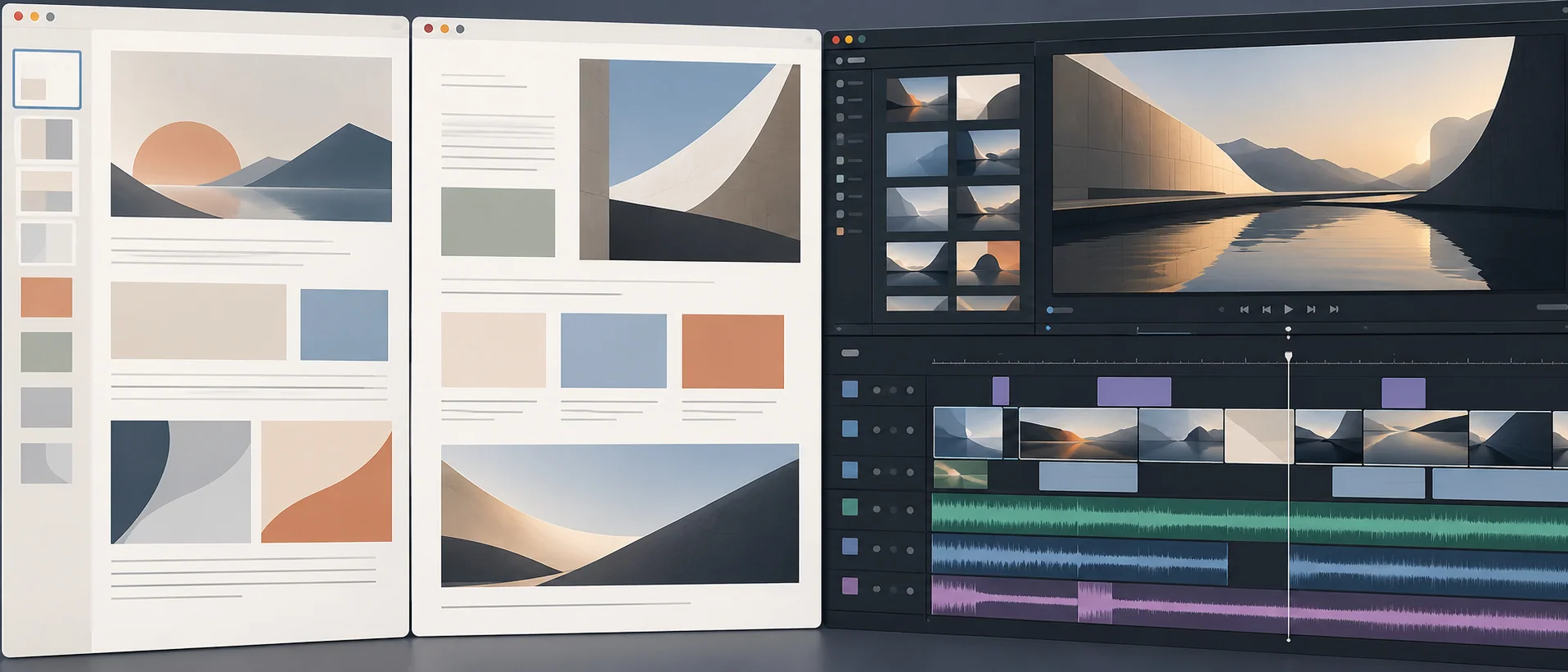
Plug in two sources and show them side by side, or one inside the other. Then turn on the low blue light mode for the late finish.

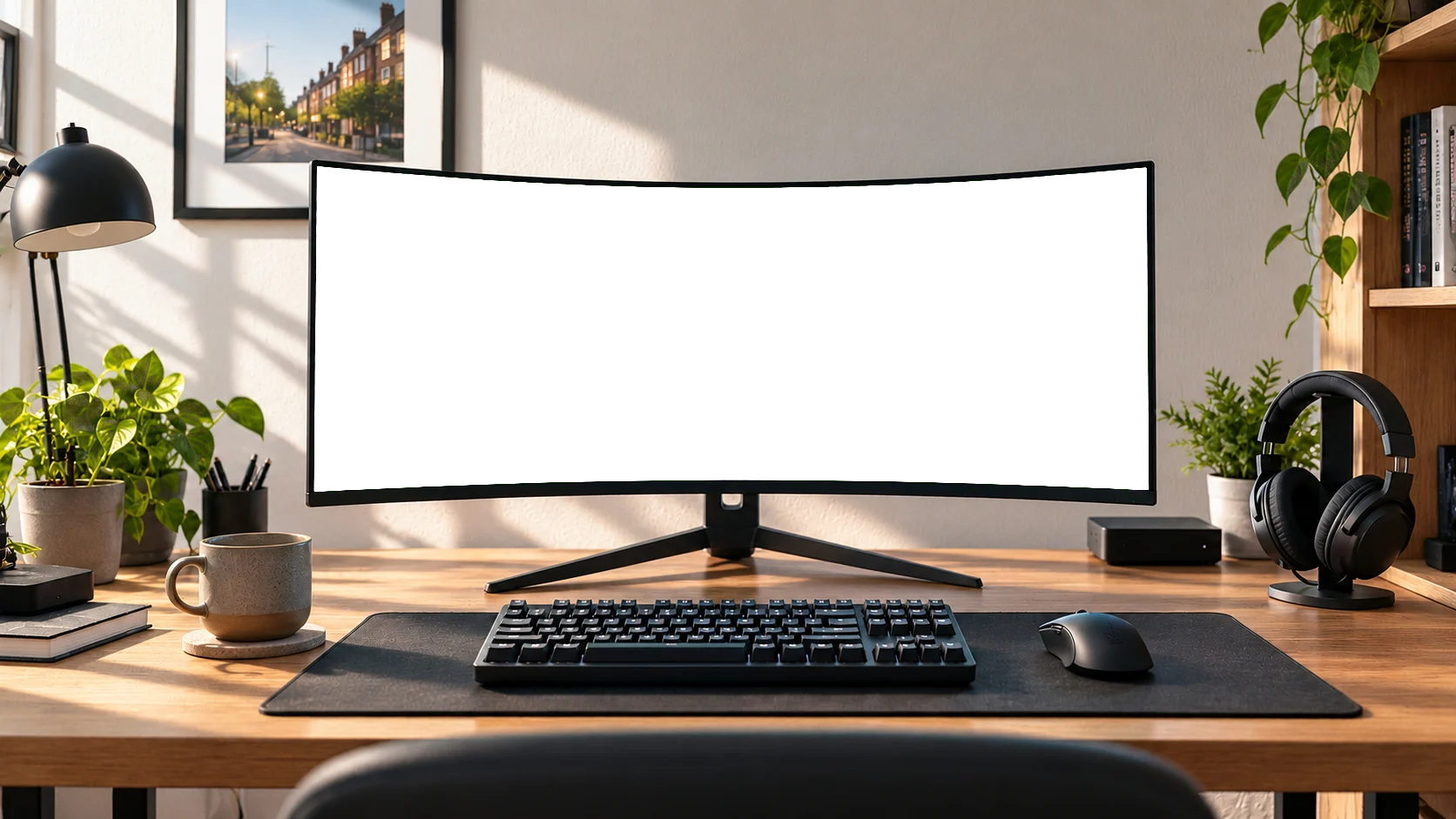
The monitor on a desk in daylightThe monitor on a desk at night

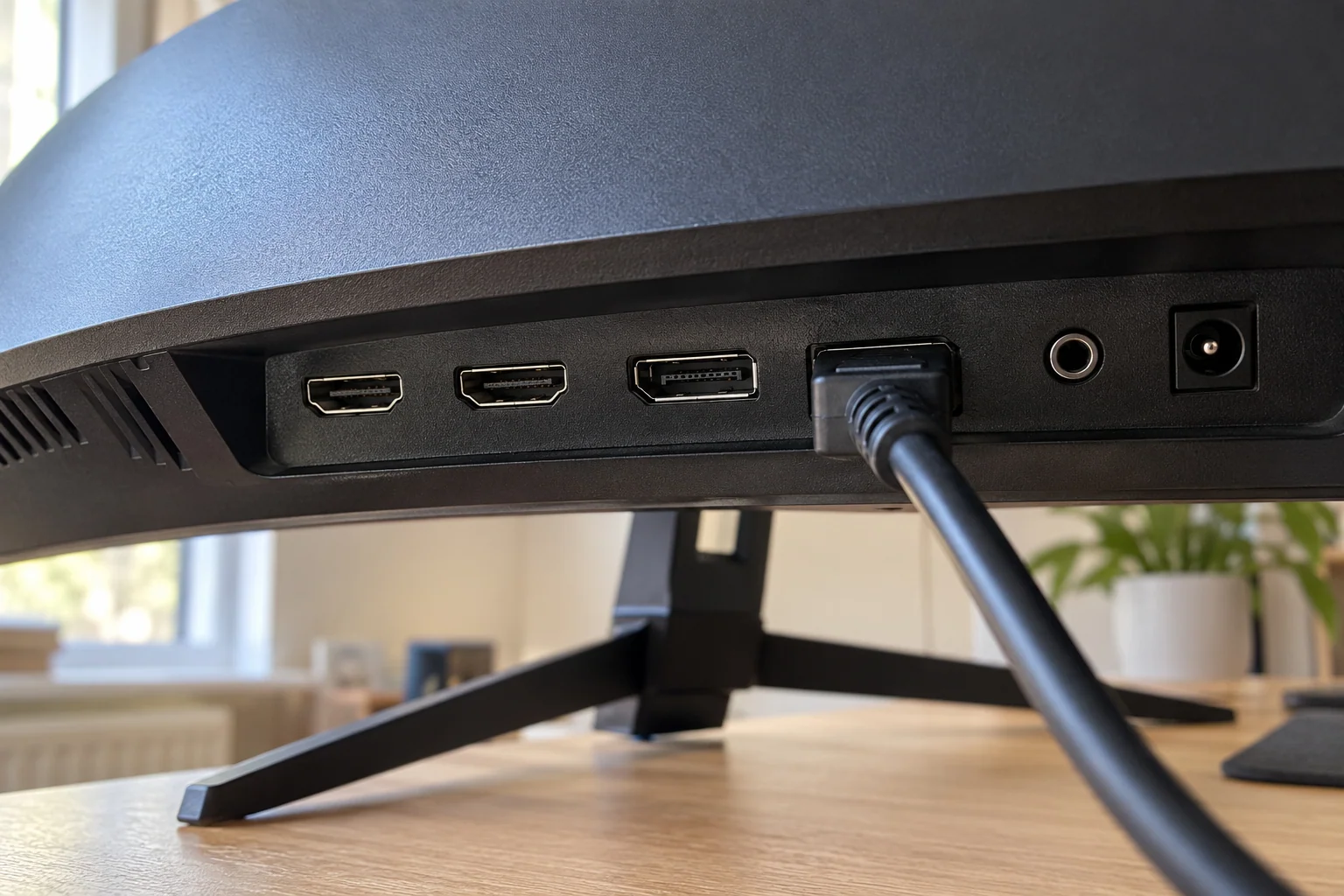
Round the back

Plug in the right one.

The ports on the back of the monitor: two HDMI, two DisplayPort, audio and power

DisplayPort 1.4

Up to 165 Hz. This is the one to use for gaming on a PC.

Before you buy

  • Gaming at 165 Hz? Use DisplayPort 1.4. HDMI 2.0 tops out at 100 Hz.
  • PS5 or Xbox? Consoles don’t output 21:9, so you’ll get a standard 16:9 picture with black bars at the sides. The seller says the same.
  • Pick the right option. The listing also sells 24- to 32-inch versions with different resolutions and refresh rates.
  • Check the seller. Look at the rating, reviews and returns on the listing before you order.
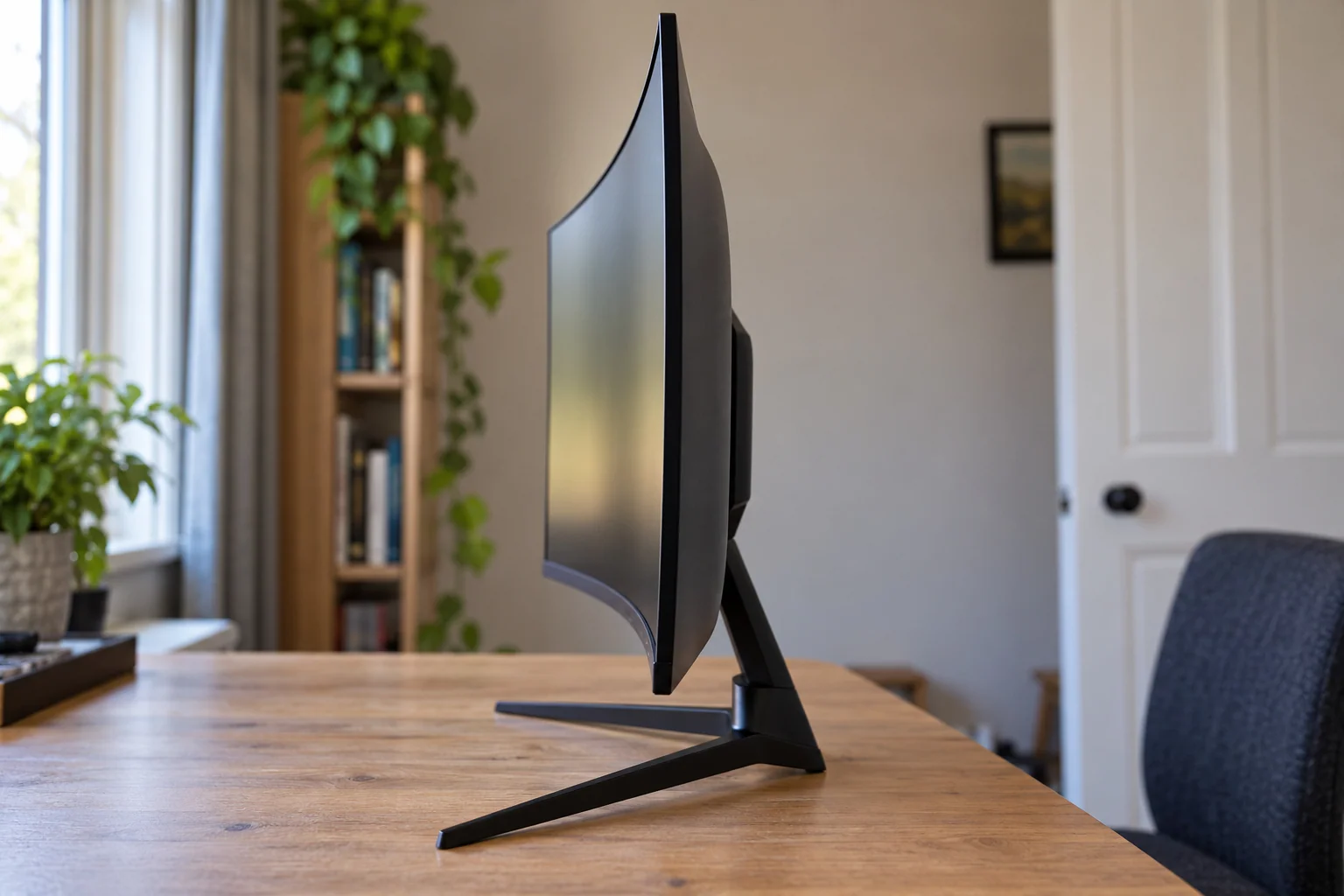
The monitor side-on, showing the curve and the V-shaped stand

On the desk

Slim from the side.

A V-shaped stand keeps the desk in front of you clear for a keyboard and mouse. Rather use an arm? It has a 75 × 75 mm VESA mount, according to the listing.

The details

Everything the seller lists.

There’s no brand spec sheet for this monitor, so these are the seller’s figures. Where the listing says two different things, we show both.
Screen

Size
34 inches, 21:9
Resolution
3440 × 1440 (UWQHD)
Curve
1500R
Brightness
300 cd/m² in the description (one listing image says 330)
Colour
8-bit, 99% sRGB
Contrast
4000:1 (listing image)

Speed

Refresh rate
165 Hz over DisplayPort 1.4 (one listed option says 180 Hz)
Over HDMI
Up to 100 Hz
Response time
1 ms
Sync
AMD FreeSync / Adaptive-Sync

Connections

HDMI
2 × HDMI 2.0
DisplayPort
2 × DP 1.4
Audio
3.5 mm out
Mount
VESA 75 × 75 mm (listing image)

Good to know

Eye care
Low blue light, flicker-free
Multi-input
Picture-in-picture and picture-by-picture
Warranty
12 months listed (the description says 18)
Brand / model
Gawfolk, GF340C
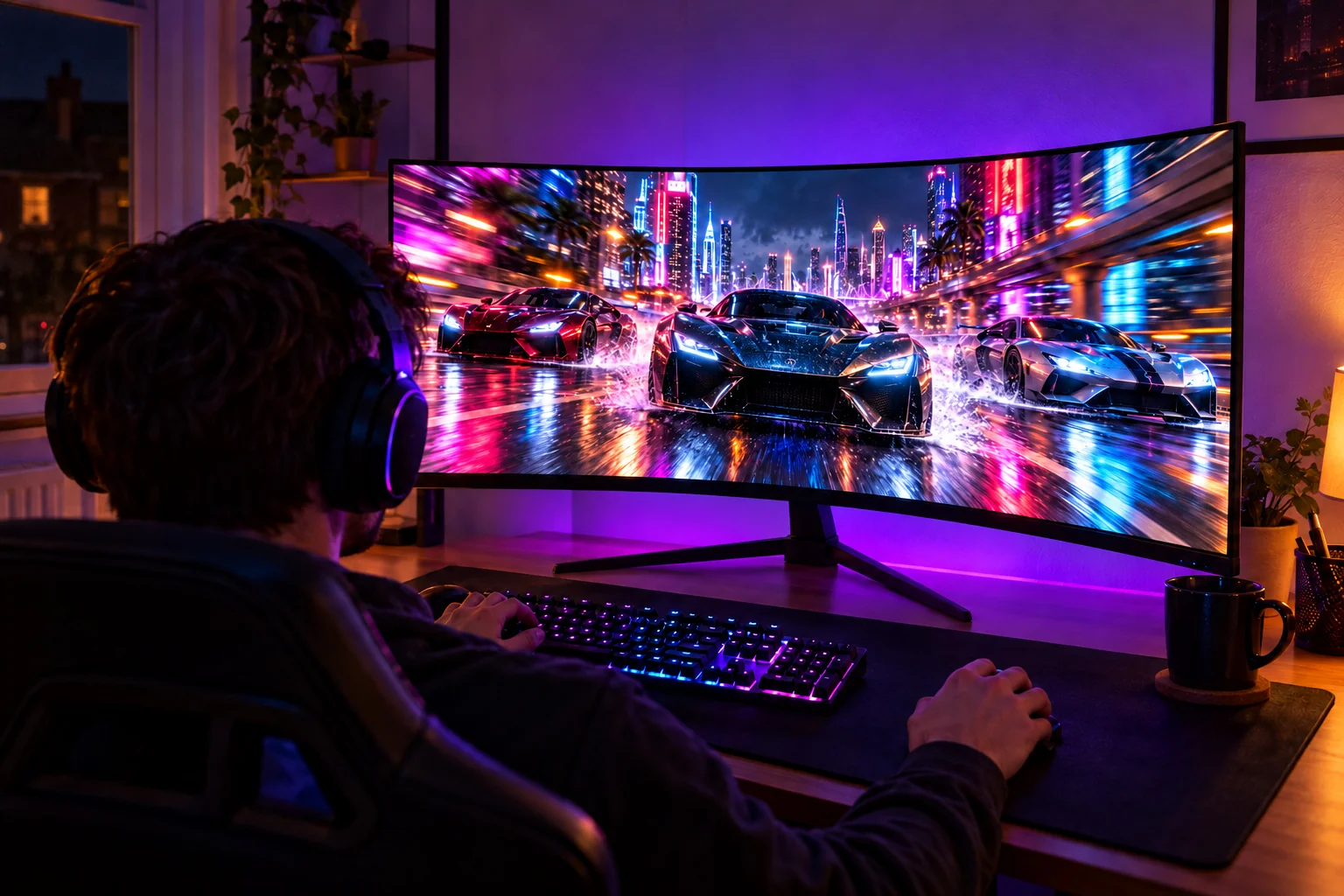
A player at the curved monitor at night, the race lighting the room

34-inch curved ultrawide

Your seat’s ready.

See it on TikTok Shop

See today’s price for the 34-inch, and the other sizes, on TikTok Shop.

Affiliate link: if you buy, we may earn a commission at no extra cost to you. It never changes what we say about a product.